A conversation can
make a difference.
Exchange public or private chat through the same local mesh. Messages are saved before the app attempts to carry them onward.
A connection, closer to home
A way for nearby people to exchange requests for help and keep talking. From one phone to the next, over Bluetooth.
In development for iOS & Android / English & Vietnamese
A different way to connect
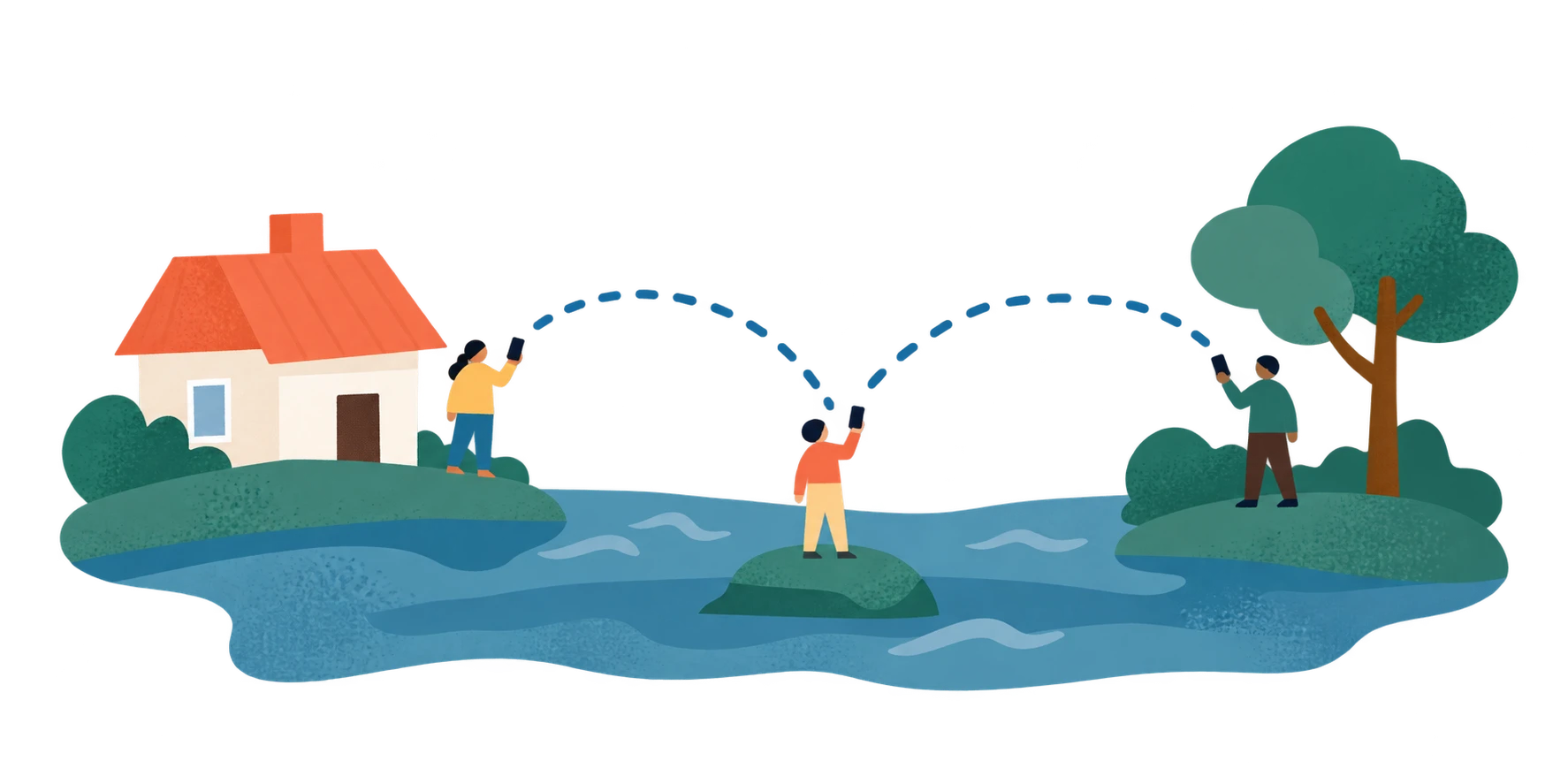
Phones running Lifeline can form an Emergency Mesh: a local network that carries messages through encounters, rather than a mobile tower.
Set up Lifeline, allow the required permissions, and turn on Bluetooth. Core mesh communication does not need internet or cellular data.
Create an SOS request or start a conversation. Messages are saved locally before the app attempts to pass them to participating devices.
A participating device may carry a message onward when another connection becomes possible. Receipts show what actually happened.
Nearby devices make the difference. Delivery is opportunistic, and a connection is never a promise of rescue.
Human, first
Request assistance, keep a conversation going, or help carry a message onward. Different roles, all part of the connection.

Create an SOS with the kind of help you need, its urgency, and the location you choose to share. Update, renew, or end it as your situation changes.
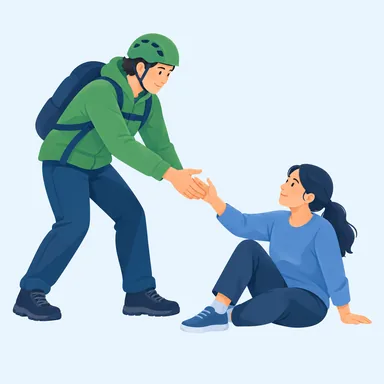 Rescue
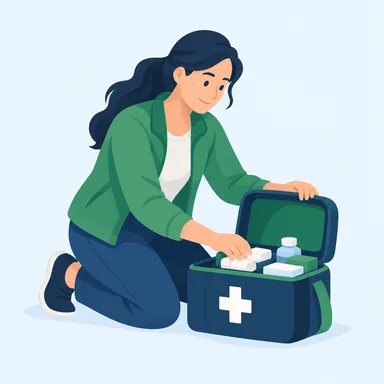 Medical help
 Supplies
Exchange public or private chat through the same local mesh. Messages are saved before the app attempts to carry them onward.
Your device may relay messages without making you responsible for responding. Offering help is a separate, explicit choice.
Browse bundled preparedness guidance in English or Vietnamese. The app keeps official-call handoff separate from a mesh request.
Clarity when it matters
A message reaching a phone is different from a person offering help. Lifeline keeps those moments separate.
Explore the meanings below. This is an illustrative guide, not a live request.
Trying to Reach Devices
The SOS is active, but no other device has returned evidence that it was reached. A local request alone does not mean somebody has seen it.
Reached a Device
At least one other device returned receipt evidence. That tells you a device was reached, not that a person has seen the request or offered help.
Help Accepted
A responder explicitly committed to helping. That is separate from a device receipt or a viewed request. A commitment can be withdrawn; it is not proof that help has arrived.
Example meanings only. No messages are sent.
Connection, with context
Lifeline is a communication project, not an emergency service. It has no staffed dispatch team, guaranteed delivery time, or verified responder network.
Physical cross-platform validation and independent review are still pending. Use existing local emergency procedures and official services for a real incident. A test or an app status is not evidence that rescue will arrive.
Read the operating limitsGood questions
What the mesh can do, what a receipt means, and where things stand.
The core Emergency Mesh exchanges messages over Bluetooth without internet or cellular data. It still needs nearby participating Lifeline devices, Bluetooth, required permissions, and operating-system conditions that permit communication. Without those connections, a message may remain on your phone.
No. Creating an SOS does not call an emergency number or notify a staffed dispatch service. A separately configured official-call control can hand off to your phone’s dialer when phone service is available. Use official emergency services and your local emergency plan for a real incident.
No. “Reached a Device” means another device returned receipt evidence. “Seen by a Responder” means someone viewed the request. “Help Accepted” means a responder explicitly committed to helping; it does not confirm that help has arrived.
Background communication is best effort and depends on the operating system, permissions, Bluetooth, and battery controls. Force-quitting the iOS app or force-stopping it on Android ends operation until you relaunch. There is no guaranteed delivery time or always-on relay.
Current SOS content is signed but readable by relay devices after disclosure. Share only what is needed, especially when including location or medical details. Responder receipts are encrypted to the sender’s Device Identity. A Device Identity is pseudonymous; it does not verify a person’s real identity.
Lifeline is in development for iOS and Android, with English and Vietnamese interfaces. Broad emergency launch is paused while physical-device validation and independent review remain incomplete. There is no public App Store download linked here. Contact us with questions about the project.
Let’s keep the conversation going
Questions, feedback, or a preparedness conversation?
We’d like to hear from you.